
A net is non-negotiable
The AI reads the net's movement to call a make. No net on the rim, no scores on the board. It's the one hard requirement.
No sensors, no smart rims, no gear to buy. Here's exactly how a RIMNET session starts, and why the court you already have is the arena.
No sensors, no smart rims, no gear to buy — just your phone and a hoop with a net. Setup takes about a minute.
Pick a mission, a friend’s challenge, or a tournament stage — each one sets the position, time and attempts before you start.
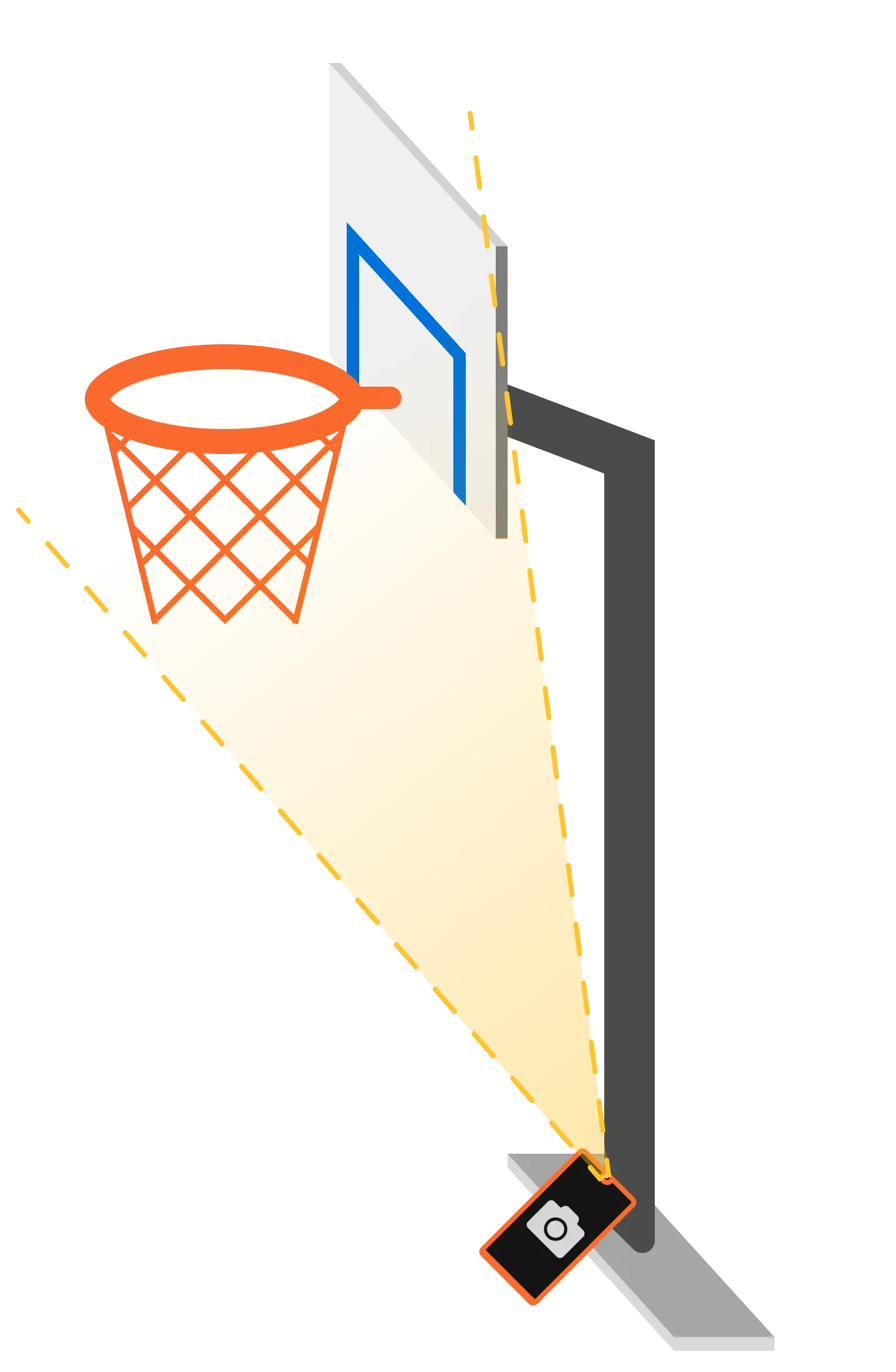
Set it on the ground at the base of the hoop, camera aimed up at the rim — no tripod, no stand, no gear. The AI tracks the ball’s trajectory and counts every make and miss in real time (99% accuracy in internal tests of the prediction model).
When time or attempts run out, your result posts instantly — XP, badges and leaderboard standing update right away.
The AI reads the net's movement to call a make. No net on the rim, no scores on the board. It's the one hard requirement.
Lay the phone on the ground at the base of the hoop, camera aimed up at the rim. No tripods, no stands, no elevation.
Good lighting, a clear view of rim and net, minimal background movement and a phone that stays put.
Download free on iOS & Android — set up in a minute and play your first challenge today.
Free to download · Premium from €9.99/month
